You want to build a website. You search for hosting. Suddenly there are dozens of companies, all offering huge discounts, all claiming to be fast, secure, reliable, and affordable. The plans look almost identical. The pricing pages are confusing. You have no real way to tell which claims actually matter and which are just marketing. If you’re not sure how to choose web hosting, you’re not alone.
Choosing hosting is about matching a plan to your actual website, your expected traffic, your technical comfort, your budget, where your visitors live, and how much support you’ll need when something breaks.
This guide walks through how to make that decision yourself, whether you’re in the US, UK, Canada, Europe, Australia, or anywhere else, including a dedicated section for what changes if you’re buying hosting from Bangladesh.
What Should You Decide Before Choosing Hosting?
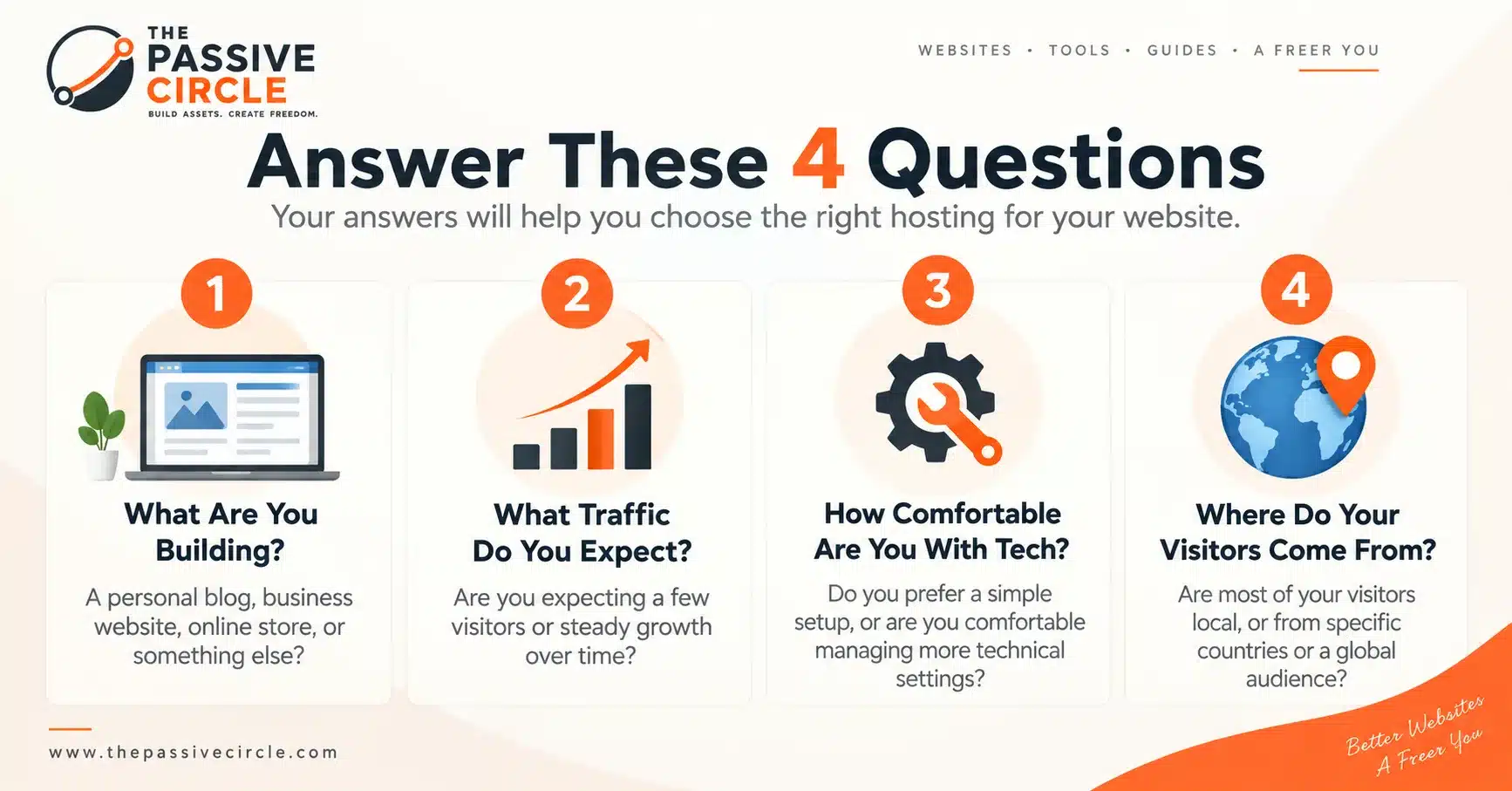
Before comparing a single plan, answer four questions about your own website. They are the first step in how to choose web hosting, and they rule out most of the noise before you open a single pricing page.
What are you building?
A blog, portfolio, business site, or online store all put different demands on hosting.
How much traffic do you expect?
Most new websites use far less traffic and storage than beginners assume.
How comfortable are you managing hosting?
Some plans hand you more control and more responsibility at the same time.
Where will your visitors come from?
This shapes one specific decision later: server location.
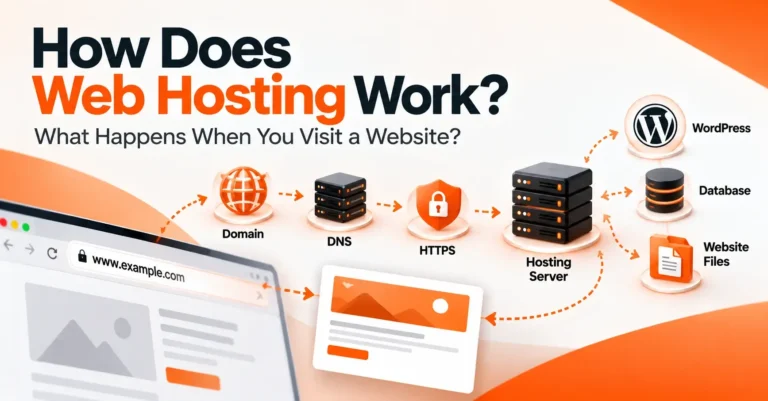
If the difference between a domain and web hosting still feels unclear, What Is Web Hosting? covers that from the ground up before you go further here.
How to Choose Web Hosting: What to Check
Price and Renewal Cost
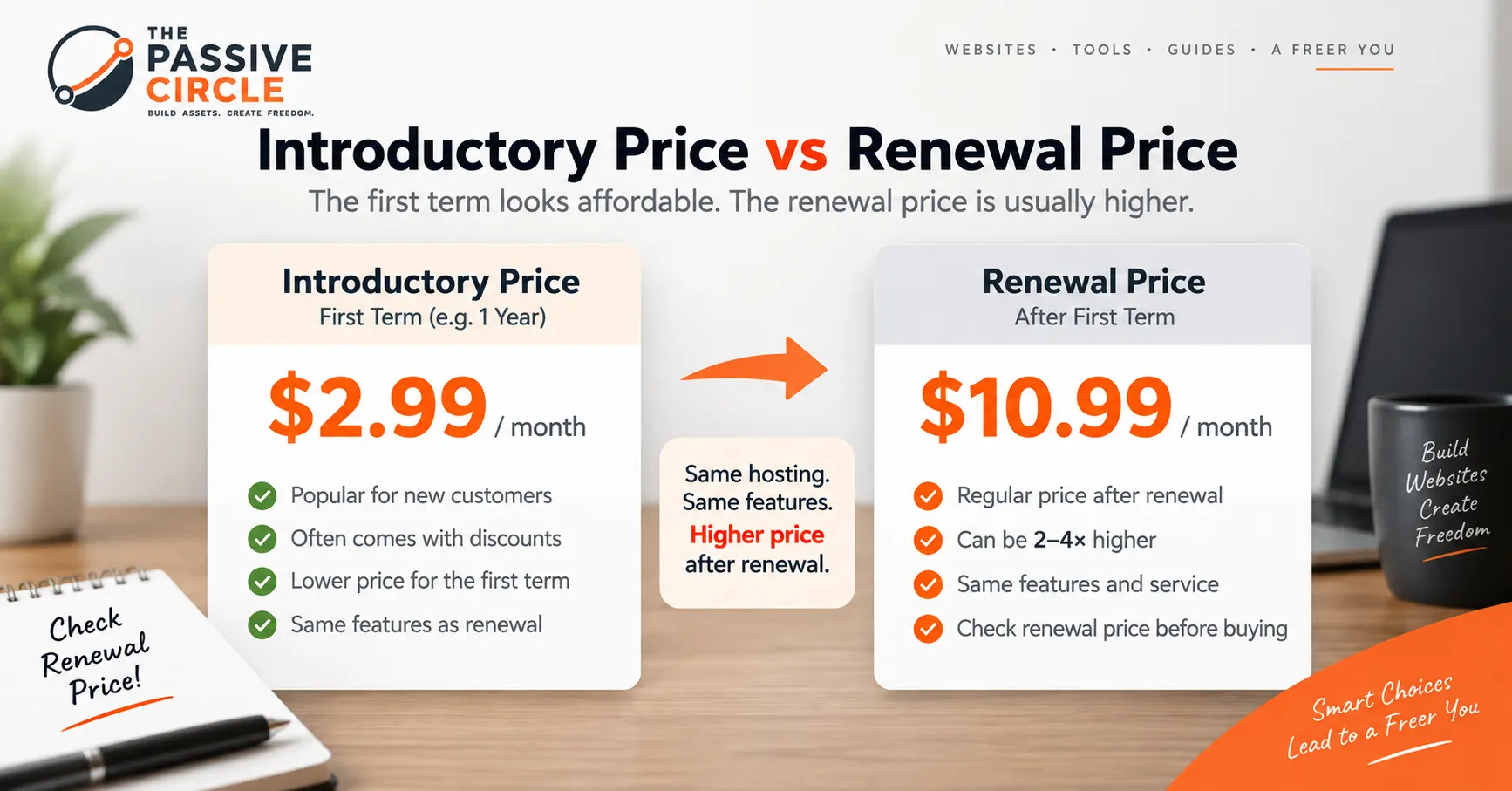
The advertised price is almost never the long-term price. Hosting companies commonly offer a discounted rate for the first term, then renew at a higher rate afterward. Always check both numbers before comparing two plans. For more on typical pricing, see our guide to how much web hosting costs.
Illustrative example only
Storage and Resources
Most new websites use far less storage and bandwidth than people expect. A text-and-image blog rarely comes close to hitting a basic plan’s limits in its first year.
Server Location
A server physically closer to your visitors generally responds a little faster. How much that matters depends entirely on your audience, not on where you personally live.
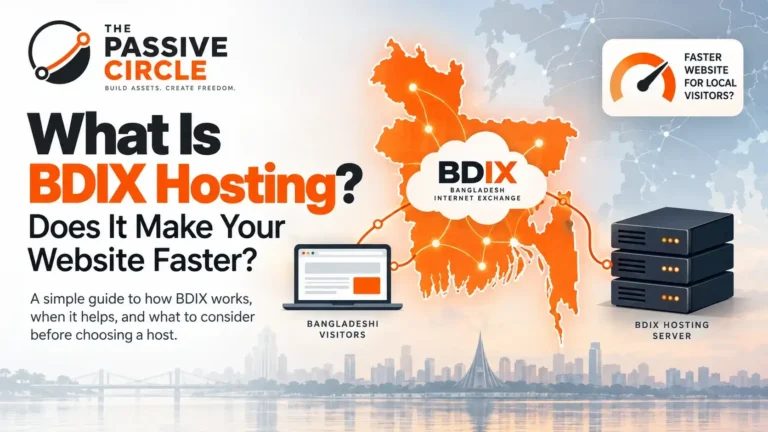
- Mainly serving readers in Bangladesh: you may benefit from infrastructure relatively close to Bangladesh.
- English-language affiliate website targeting the US, UK, Canada, and Europe: the starting point is different, and a well-known international host often performs just as well, sometimes better.
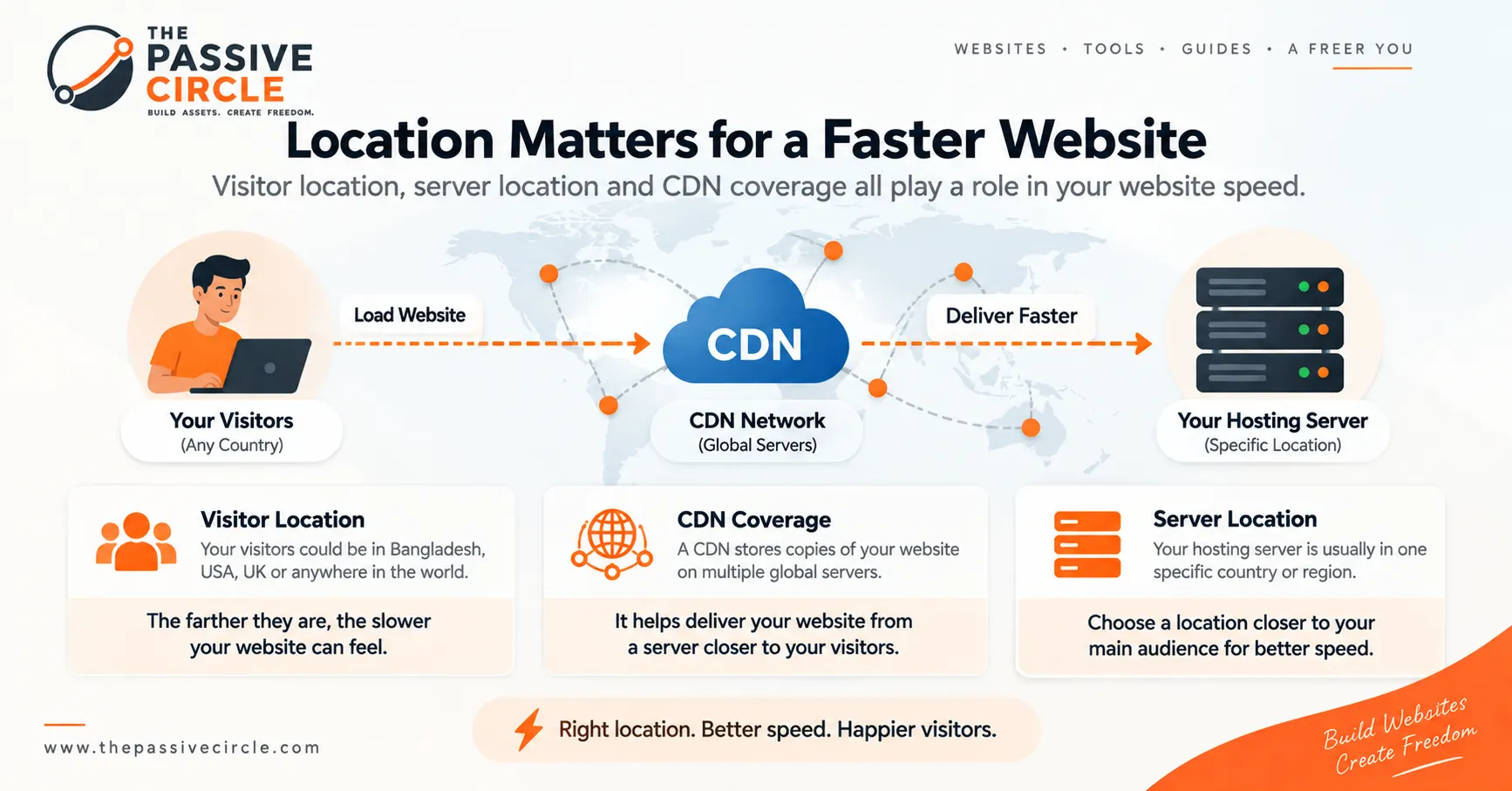
Visitor location isn’t the same as your personal location. Choose infrastructure based on where your audience is, and weigh server location alongside CDN coverage rather than in isolation.
Speed and CDN
Page speed shapes how visitors experience your site, and it’s one of many technical signals search engines take into account. Hosting can influence speed, availability, and technical performance, but rankings depend on a much wider set of factors than hosting alone. Beyond server location, speed is shaped by the plan’s resources, how well caching is set up, and whether a CDN is available or included. If the term is new to you, Cloudflare has a plain-language explanation of what a CDN is and how it works.
Support
Support matters most exactly when your site is down, which is rarely convenient. Worth checking:
- Whether support runs 24/7 or only certain hours
- Whether it’s live chat, tickets, or email only
- What timezone the team operates in relative to you
Backups and Security
Ask whether backups are automatic, how often they run, and whether restoring one is something you can do yourself or requires contacting support. Confirm an SSL certificate is included, and check whether basic malware scanning or a firewall is part of the plan.
WordPress Compatibility
If you’re building on WordPress, check for a one-click install, since manual setup is an extra step most beginners don’t need. Beyond that, look for a staging environment (a separate practice copy of your site) and straightforward migration support if you move hosts later. To double-check a host’s technical setup, you can compare it against the official WordPress hosting requirements.
Migration and Scalability
Ask what happens if you outgrow this plan, or decide to switch providers entirely. Can you upgrade within the same account without downtime? Does the provider help migrate you in from elsewhere?
Comparing Plans at a Glance
| Factor | What to Check | Why It Matters |
|---|---|---|
| Price | Introductory price and renewal price | Shows the real long-term cost, not just the first-year offer |
| Storage | SSD/NVMe storage and stated limits | Determines how much content your site can hold |
| Traffic | Bandwidth or resource limits | Affects how well the site handles visitors as it grows |
| Server location | Available data center options | Can affect page load speed (latency) for your audience |
| Support | Chat, tickets, hours, timezone | Matters most when something breaks, not when you’re buying |
| WordPress | One-click install, staging, migration | Makes day-to-day management easier |
| Backup | Frequency and restore process | Determines how easily you recover from a problem |
| Refund | Money-back window and conditions | Reduces the risk of committing to the wrong plan |
Which Type of Hosting Do You Need?
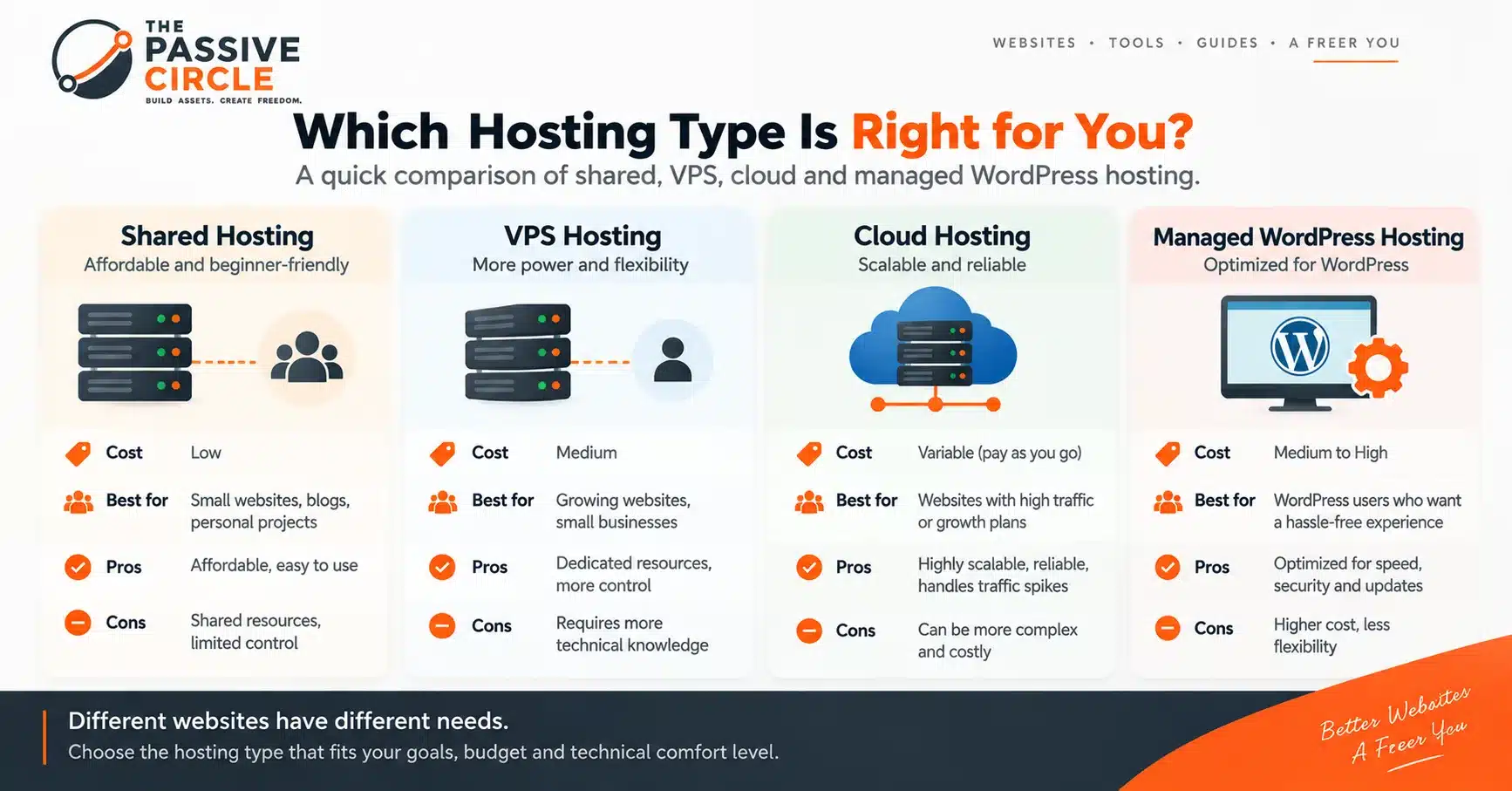
A more powerful-sounding plan isn’t automatically the right choice. A new website rarely needs expensive infrastructure, and upgrading later is a normal part of running a website.
Shared Hosting
Many websites share the resources of one server, which keeps the cost low.
VPS Hosting
A private, isolated slice of a server, with more consistent performance.
Cloud Hosting
Draws on flexible, distributed infrastructure rather than a single fixed machine.
Managed WordPress Hosting
Built specifically around running WordPress, often with automatic updates and built-in caching.
If You’re Buying Web Hosting From Bangladesh
Everything above applies regardless of where you live. A few things change specifically when you’re buying and paying for hosting from Bangladesh.
Payment Methods
Most international hosts accept Visa or Mastercard. Some providers, particularly Bangladesh-based ones, also accept local payment methods directly. Check which specific methods a given host supports before you commit.
Currency and Conversion Costs
A plan billed in USD will fluctuate in BDT cost as exchange rates move, which matters more on a multi-year commitment than a monthly one. Check whether your card issuer adds a foreign transaction fee on international purchases.
Local vs International Hosting
Neither option is automatically better. A Bangladesh-based provider can offer local payment convenience and, potentially, infrastructure closer to a Bangladeshi audience. A well-established international provider can offer more mature infrastructure and, for an internationally-focused audience, comparable or better performance thanks to CDN coverage.
Server Location for Bangladeshi Websites
If most of your visitors are in Bangladesh, infrastructure located in or near the region can help with load times. If you’re running an English-language site aimed at a global or Western audience, an international host with a CDN often serves that audience just as well.
Support and Refunds
Check what timezone support operates in relative to Bangladesh, and confirm how a refund is paid out, since the process can differ for international purchases.
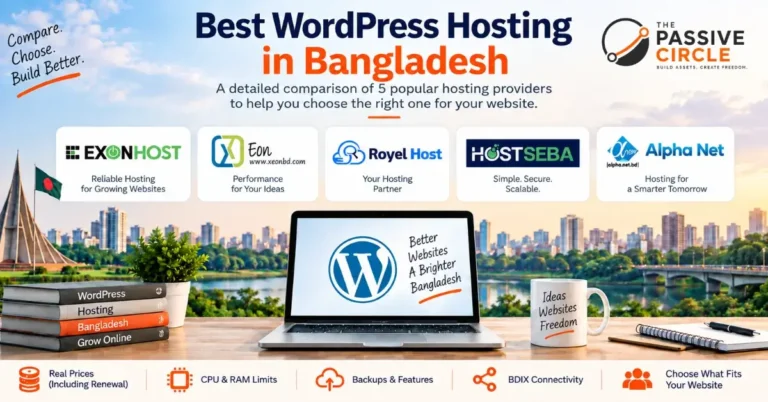
For current BDT and USD figures across specific providers, see Cheap Web Hosting in Bangladesh.
Common Hosting Mistakes Beginners Make
Choosing by discount size alone
The biggest percentage off doesn’t tell you the real long-term cost.
Ignoring the renewal price
The introductory rate may be far lower than what you pay at renewal.
Buying too much, too early
A new website rarely needs the storage or resources of a large plan.
Picking a server by personal location
What matters is where your audience is, not where you are.
Ignoring backup policies
Check how backups work before data is lost, not after.
Trusting “unlimited” literally
It usually means unlimited under a fair-use policy.
Ignoring migration options
Switching hosts later can be painful if you never checked.
Judging support by pre-sales chat
A fast pre-sales reply doesn’t guarantee good support after you buy.
Skipping refund terms
Read them before buying, not after something goes wrong.
Committing long-term blind
Multi-year plans are risky if you haven’t checked renewal pricing first.
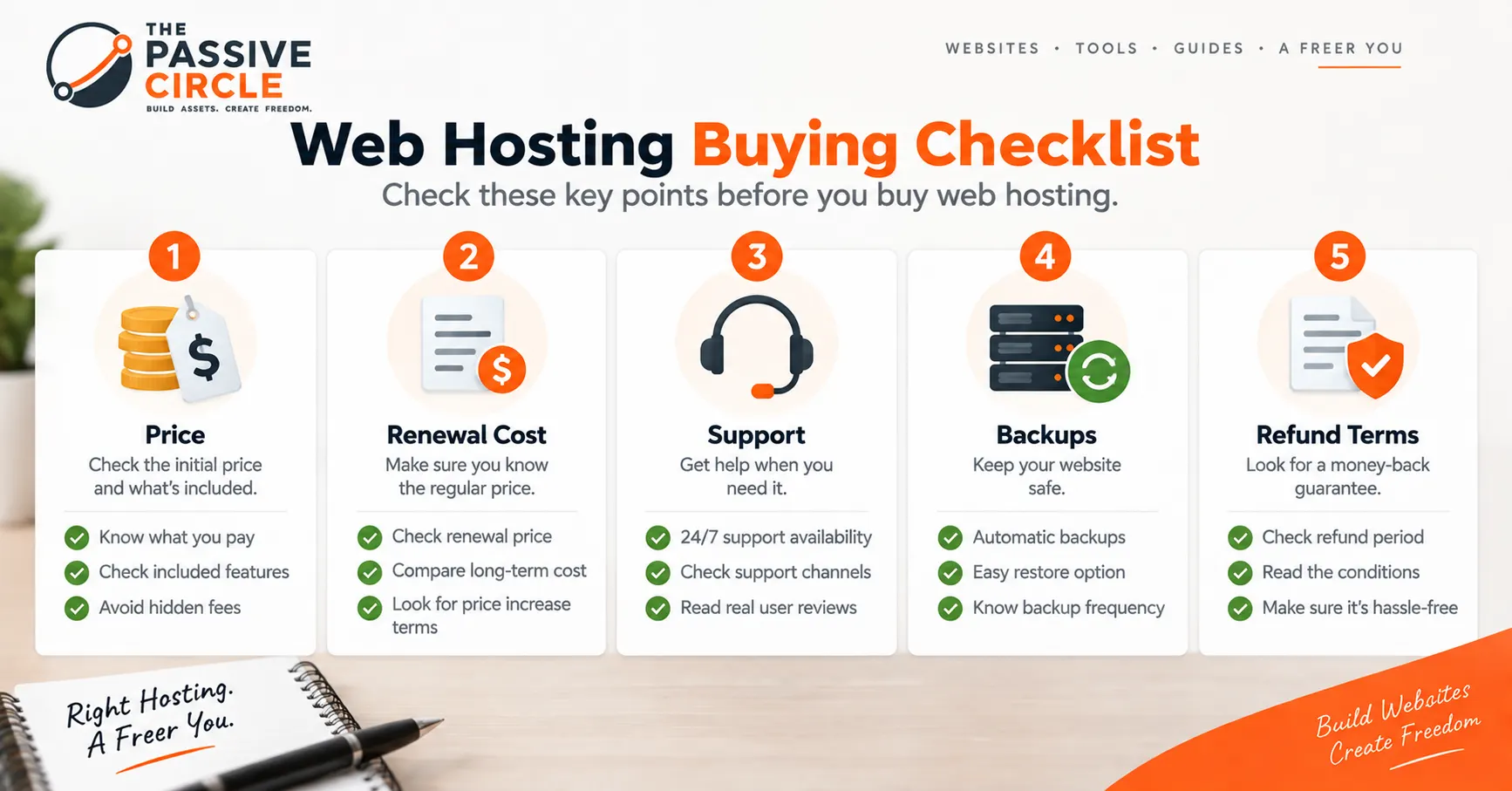
A Simple Hosting Buying Checklist
Before You Buy Hosting
- I know what type of website I’m building
- I know roughly where my visitors will come from
- I checked the introductory price
- I checked the renewal price
- I confirmed the payment method works for me
- I checked the refund and cancellation terms
- I checked backup options and restore process
- I checked support availability and hours
- I checked WordPress compatibility, if relevant
- I understand the resource limits, including “unlimited”
- I know how I can upgrade later if I outgrow this plan
What to Do After You Choose Your Hosting
Now that you know how to choose web hosting, you’re ready to look at actual options rather than marketing pages.
Frequently Asked Questions
How much does web hosting cost?
It varies by hosting type, provider, and billing period, and both the introductory and renewal price matter.
How much hosting does a new website need?
Less than most beginners expect. A basic shared hosting plan is usually enough to start, with room to upgrade once traffic actually grows.
Do I need a Bangladesh-based hosting server?
Only if most of your visitors are in Bangladesh. If your audience is mostly international, a well-established international host with a CDN often works just as well.
Can I use international hosting from Bangladesh?
Yes. The main things to confirm are whether your payment method works smoothly and whether currency conversion or foreign transaction fees apply.
Is shared hosting enough for a new website?
For most new websites, yes. Upgrading to VPS or cloud hosting later, once you have the traffic to justify it, is a normal step.
Can I change hosting later?
Yes. You can move your website to a different host and keep your domain, though it usually involves migrating your files and updating your domain’s connection settings.
Does hosting affect website speed?
Yes, hosting is one of several factors, alongside server location, caching, and whether a CDN is used.
Does hosting affect SEO?
Indirectly. Hosting can affect speed and uptime, which search engines do take into account, but rankings depend on many other factors too, so hosting alone doesn’t determine them.
Should I buy hosting for one year or several years?
A shorter term costs less commitment while you confirm the provider is a good fit; a longer term can lock in a lower rate but ties you in longer. Check the renewal price either way.
What should I check before buying hosting?
Use the checklist above: price and renewal cost, resource limits, server location, support, backups, WordPress compatibility, and refund terms.
Conclusion
Choosing web hosting isn’t about finding the flashiest discount. It’s about matching a plan to what you’re actually building, who your visitors are, and how much support you’ll want when something goes wrong. Once you understand how to choose web hosting on those terms, the specific provider comparisons on this site become a lot easier to use, because you’ll know exactly what you’re looking for.