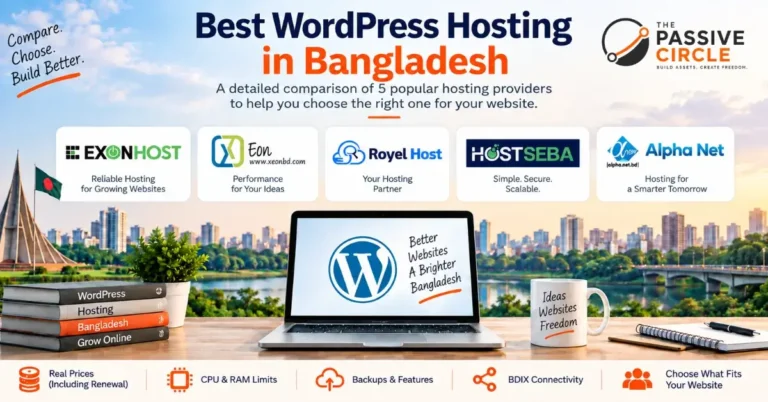
When I started this blog, I had no idea which web hosting to pick.
I went with a local host called ExonHost. It was cheap. It worked fine at first.
Then things started going wrong. Pages loaded slowly. My site felt unstable. I worried every time I hit publish.
So I migrated everything to Hostinger. That was one of the best decisions I made as a beginner blogger.
This is not a generic Hostinger review copied from somewhere else. I actually host The Passive Circle on Hostinger right now. I set it up myself. I migrated to it myself. And I still use it today.
If you are a beginner trying to figure out whether Hostinger is the right WordPress hosting for beginners, keep reading. I will give you a straight answer.
Hostinger is a web hosting provider founded in 2004. It powers over 29 million websites in 150 countries. It is officially recommended by WordPress.org and is known for being one of the most affordable and beginner-friendly hosting options available.
What You Will Find in This Hostinger Review
- What Hostinger actually costs, including the renewal price increase
- How fast it really is, with my own site speed test results
- How easy it is to set up WordPress as a complete beginner
- What features matter and what you can ignore
- Who should use Hostinger and who should not
My Quick Verdict on Hostinger (Beginners Read This First)
Hostinger is the best cheap WordPress hosting for beginners on a budget. It is fast, easy to use, and packed with free tools. I have been running my own affiliate marketing website on it and I have zero complaints.
Affiliate link — no extra cost to you
Disclosure: This post contains affiliate links. I earn a small commission if you sign up. No extra cost to you. I only recommend tools I personally use.
What Is Hostinger? (And Why Beginners Trust It)
Hostinger started in 2004 in Lithuania as a tiny free hosting service. Today it powers over 29 million websites across 150 countries. It has become one of the go-to choices for cheap WordPress hosting worldwide.
The biggest reason beginners choose Hostinger is simple. It is affordable, fast, and easy to use. You do not need any technical skills to get started with WordPress hosting for beginners.
Hostinger is officially recommended by WordPress.org. WordPress only recommends a handful of hosts. Hostinger is one of them. That is a strong signal of quality and reliability.
That WordPress.org recommendation gave me a lot of confidence when I was choosing. It told me this was not just another cheap host trying to grab my money.
Their custom control panel is called hPanel. It replaced the old-style cPanel that most hosts still use. hPanel is cleaner, faster, and much easier for beginners to navigate. If you are building your first website, you will appreciate how simple it feels.
Hostinger Pricing (2026): What You Actually Pay
Most review sites skip the honest part about Hostinger pricing. I will not. This is the most important section for any beginner choosing cheap web hosting.
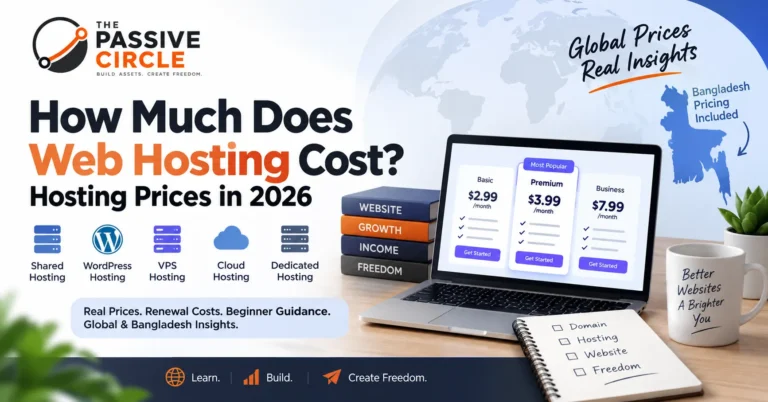
Hostinger’s pricing looks very low at first. And it is. But only for the first term. When your plan renews, the price goes up significantly.
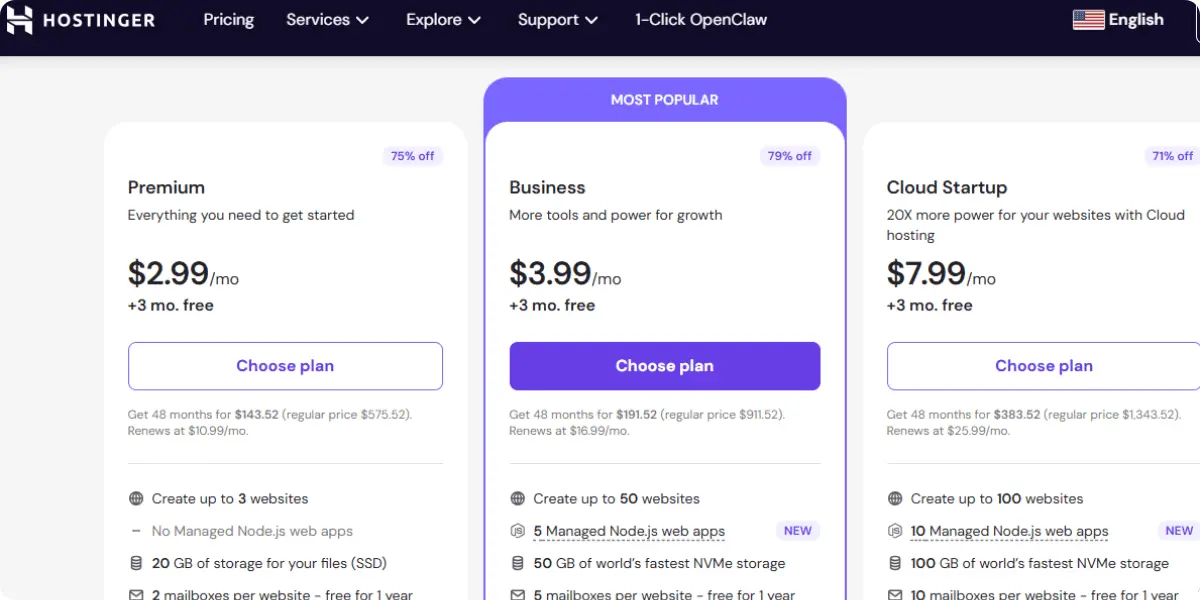
| Feature | Premium | Business Best Value | Cloud Starter |
|---|---|---|---|
| Intro Price | $2.99/mo | $3.99/mo | $7.99/mo |
| Renewal Price | $11.99/mo | $15.99/mo | $27.99/mo |
| Websites | 100 | 100 | 300 |
| Storage | 100 GB SSD | 200 GB NVMe | 200 GB NVMe |
| Free Domain | 1 year | 1 year | 1 year |
| Free SSL | ✓ | ✓ | ✓ |
| Daily Backups | ✗ Weekly only | ✓ | ✓ |
| Staging | ✗ | ✓ | ✓ |
| Free CDN | ✓ | ✓ | ✓ |
Which Plan Should a Beginner Pick?
Start with the Premium Plan. It gives you 100 websites, 100 GB SSD, free SSL hosting, and a free domain. More than enough to launch a blog or affiliate marketing website.
How Fast Is Hostinger? My Real Speed Test Results
Speed is not just about user experience. Page speed directly affects your Google rankings. So I ran a test on my own site. Here is what I found.

Those numbers are solid for a shared hosting plan at this price. The reason Hostinger is so fast comes down to three things:
- LiteSpeed Web Server — significantly faster than Apache, which most cheap hosts still use
- NVMe SSD storage — much faster read and write speeds than regular SSD drives
- Free CDN — your content loads from a server close to your visitor anywhere in the world
When I was on ExonHost, my pages loaded slowly. My LCP was over 9 seconds. After migrating to Hostinger, the difference was noticeable right away. Load times dropped and my Google PageSpeed score improved significantly.
For a beginner blog focused on getting traffic, this kind of speed is more than enough to compete in search results.
How Easy Is It to Set Up WordPress on Hostinger?
Setting up WordPress hosting for beginners on Hostinger takes less than 15 minutes. I timed it myself when I was migrating from ExonHost.
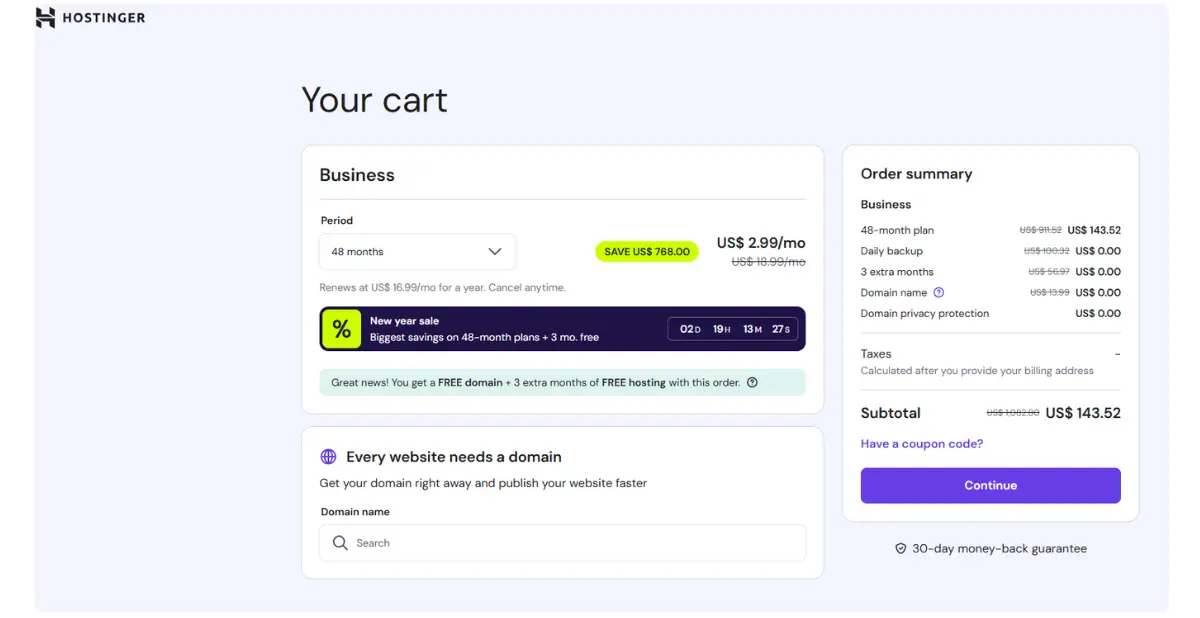
- Sign up and choose your plan
- Pick a domain name, or connect one you already own
- Open hPanel and click “Install WordPress”
- Fill in your site name, username, and password
- Click install. Your WordPress site is live in about 2 minutes
If you want a full step-by-step walkthrough, I have a dedicated guide on how to set up a WordPress website on Hostinger — including real DNS and SSL problems I ran into and how I fixed them.
Why hPanel Is Better Than cPanel for Beginners
Most older hosts still use cPanel. It is powerful but overwhelming for beginners. Hostinger’s hPanel is cleaner, faster, and clearly labeled. Every section is easy to find. You will not feel lost.
I remember feeling confused the first time I opened cPanel on another host. Dozens of icons. No idea where to start.
hPanel was completely different. I found what I needed in seconds. Even my migration from ExonHost was smooth using their built-in site migration tool.
What About Hostinger’s AI Tools?
Hostinger now includes an AI assistant called Kodee. It auto-detects errors like 404, 500, or 503 codes and suggests fixes. It works about 42% of the time — not perfect, but a useful safety net for beginners who are just learning how hosting works.
Hostinger Features That Actually Matter for Beginners
There are a lot of features on Hostinger’s website. Most of them you will not use as a beginner. Here are the ones that actually matter for running a WordPress blog or affiliate site.
- Free SSL certificate — makes your site secure with https. Google requires this for ranking. Activates automatically on all plans.
- Free domain for 1 year — saves you $12 to $15 upfront. You keep the domain even if you switch hosts later.
- Free CDN — faster loading for global visitors. Included in all plans. Works well with LiteSpeed hosting.
- Automatic backups — weekly on Premium, daily on Business. Always back up before making big changes to your site.
- Staging environment — Business plan only. Test changes safely before touching your live site.
- 1-click WordPress install — no manual setup needed. Beginner-friendly WordPress hosting from day one.
- Free site migration — moving from another host? Hostinger migrates your site for free. I used this myself.
Is Hostinger Customer Support Good? The Honest Truth
Hostinger offers 24/7 live chat support. There is no phone support option. For most beginners using cheap WordPress hosting, live chat is more than enough. Responses usually come in under 10 minutes.
- A large knowledge base with step-by-step guides for beginners
- Video tutorials on YouTube for WordPress setup, DNS, and SSL
- AI assistant Kodee for quick error troubleshooting
- Email support for more complex technical issues
I have contacted Hostinger support twice since migrating my site. Both times I got a response within 10 minutes. The agents were helpful and patient.
My only complaint is Kodee got it wrong the first time. But once I reached a real person, the issue was fixed quickly.
Ready to get started with the best beginner web hosting? Hostinger is where I host this blog. Grab 60% off today.
Get Hostinger Now →Hostinger Pros and Cons (No Sugarcoating)
Here is my honest breakdown of Hostinger pros and cons after using it personally for The Passive Circle.
What I Like
- Very affordable starting price
- Beginner-friendly hPanel dashboard
- LiteSpeed servers — genuinely fast
- Free SSL, domain, and CDN included
- WordPress.org officially recommended
- 9 global data centers for low latency
- Free site migration included
- 30-day money-back guarantee
What I Do Not Like
- Renewal price jumps significantly
- No phone support available
- Weekly backups only on Premium plan
- Staging only on Business plan
- AI-first support feels less personal
- No dedicated servers for large sites
Who Should Use Hostinger? (And Who Should Not)
Hostinger is the right WordPress hosting for beginners in most cases. But it is not the right fit for everyone. Here is a simple way to decide.
Perfect If You…
- Are starting your first WordPress blog
- Are building an affiliate marketing site
- Want fast setup without technical skills
- Are on a tight budget for web hosting
- Want a WordPress.org approved host
- Need to host multiple small websites
Look Elsewhere If You…
- Run a high-traffic eCommerce store
- Need enterprise-level security compliance
- Require dedicated server resources
- Must have phone support
- Need daily backups on the cheapest plan
When I started The Passive Circle, I did not need anything fancy. I needed something reliable, affordable, and easy to manage alongside my full-time job.
Hostinger fit that need perfectly. I set it up on a Friday evening and had my site live before dinner.
Mistakes I Made as a Beginner (So You Do Not Have To)
My first experience with web hosting was not smooth. Here is what I learned the hard way so you do not have to repeat my mistakes.
Mistake 1: Only Looking at the Intro Price
I did not check what hosting would cost after renewal. That caught me off guard later. Always check the Hostinger renewal pricing before signing up. Lock in a longer plan upfront at the discounted rate to save money.
Mistake 2: Delaying SSL Setup
I delayed activating SSL on my early sites. Google flagged them as “not secure.” With Hostinger, free SSL hosting is included and activates with one click from hPanel. Do it the moment your site goes live.
Mistake 3: Skipping Backups Until Something Broke
I once broke my site making changes with no backup to fall back on. Since moving to Hostinger, I use automatic weekly backups on the Premium plan. Upgrade to Business for daily backups. It is well worth the extra cost.
My Final Verdict: Is Hostinger Good for Beginners?
I have been using Hostinger for The Passive Circle since I migrated from ExonHost. The migration was smooth. The setup was simple. The speed improved noticeably. No major issues since.
If you are looking for cheap WordPress hosting that actually works, Hostinger delivers. It is the best hosting for beginners who want to start fast without spending too much.
Quick Summary
| Overall Rating | 4.5 / 5 |
| Best For | Beginners, bloggers, affiliate marketers |
| Starting Price | $2.99/month (Premium Plan) |
| Recommended Plan | Premium for starters, Business for growing sites |
| Biggest Pro | Fast LiteSpeed hosting, beginner hPanel, WordPress.org approved |
| Biggest Con | Renewal price increases after first term |
| Money-Back | 30 days, no questions asked |