How to Get Traffic to Your New Blog (Complete Beginner Guide)
You built your blog. You published a few articles. Now you are staring at Google Analytics showing 3 visitors a day, and two of them are probably you.
Getting traffic to a new blog is the hardest part. Nobody tells you this up front. They just say “write good content” and leave you guessing what to do next.
This guide fixes that. It shows every step in the right order, so you know exactly how to grow your traffic from zero. The honest truth first: SEO traffic is slow to start but compounds forever. Social media traffic is fast, but it disappears when you stop posting.
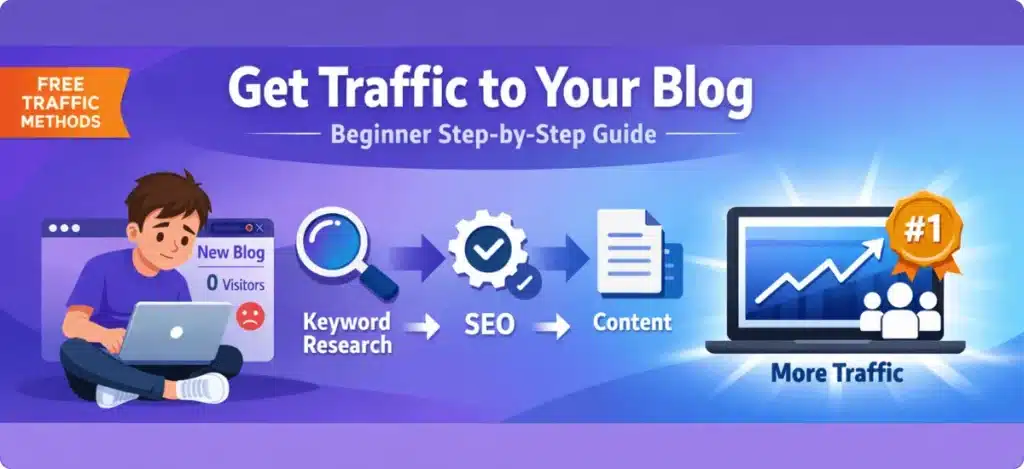
Here is how beginners build real blog traffic, in order
Do these 5 things consistently. That is the whole system. Every step below explains how.
Every article needs a target keyword, a phrase real people type into Google. Without one, your articles will not appear in search no matter how good they are.
Read: Free keyword research guide →Writing the article is only half the job. Titles, headings, images, and internal links all help Google understand what the page is about.
Read: Search intent for beginners →Internal links pass authority from your stronger pages to newer ones. They also keep visitors on your site longer, which tells Google your content is useful.
Read: Internal linking guide →A slow site loses visitors before they read a word. A few simple fixes make a big difference without touching code.
Read: Page speed & SEO →This is the step most people quit before finishing. The blogs that succeed are still publishing at month 4, when everyone else gave up at month 2.
Step 1: Keyword research, write about what people search for
Keyword research means finding the exact words people type into Google. If you write an article using those words, Google knows to show it to the people searching for them.
Without a keyword, your article is invisible. With the right keyword, even a simple 800-word post on a new site can appear on page 1.
What to look for in a beginner keyword:
- 3 or more words. Long-tail keywords are easier to rank for.
- At least 100 monthly searches. Lower than that brings little traffic.
- A clear question or intent: “how to”, “best”, “vs”, or “for beginners”.
- Weak sites already on page 1. If small blogs rank there, you can too.
Two free tools to start: Google autocomplete (type your topic and read the suggestions) and Google Keyword Planner (free with a Google Ads account, no ads needed). When you are ready to invest a little, LowFruits automates finding low-competition keywords in minutes.
Step 2: On-page SEO, help Google understand your article
On-page SEO means structuring your article so Google understands it. It is not about tricking Google. It is about being clear.
The 5 on-page SEO things that matter most:
- Title tag: put your main keyword in the first 60 characters. This is what appears in Google results.
- First paragraph: mention your keyword naturally within the first 100 words.
- H2 headings: use your keyword or related phrases in at least one H2. Break long articles into clear sections.
- Search intent match: “how to do X” needs a tutorial. “Best X for beginners” needs a comparison.
- Image alt text: give every image a short description. It helps Google and improves accessibility.
Use Rank Math or Yoast SEO (both free) to check your on-page SEO before publishing. They give you a score and tell you exactly what to fix.
Step 3: Internal linking, connect your articles together
An internal link goes from one of your articles to another of your articles. It does two important things.
First, it helps Google discover and index all your pages, especially newer ones. Second, it passes authority from your stronger pages to your weaker ones. If your Blocksy review gets good traffic, linking from it gives a newer article a head start.
Simple internal linking rules for beginners:
- Link every new article to at least 2–3 existing posts.
- After publishing, add a link to the new article from a relevant older post.
- Use descriptive anchor text. “Free keyword research guide” beats “click here”.
- Link most often to your pillar posts and affiliate review articles.
This is completely free and takes 5 minutes per article. It compounds as your site grows.
Step 4: Site speed and technical basics
Google uses page speed as a ranking factor. A slow site also loses real visitors. If your site takes more than 3 seconds to load, many visitors leave before reading a word.
Most WordPress speed problems are fixable with free plugins. You do not need a developer.
The beginner speed checklist:
- Compress images before uploading with ShortPixel or Smush. Large images are the #1 cause of slow blogs.
- Use a caching plugin like WP Super Cache or LiteSpeed Cache (both free).
- Choose a fast host. Hostinger and ExonHost both have solid speeds for beginner sites.
- Use a lightweight theme. Blocksy is fast by default. Avoid heavy animated themes.
- Check your speed in Google PageSpeed Insights (free). Aim for above 70 on mobile.
Step 5: The SEO tools worth using as a beginner
The SEO tool industry loves making beginners feel they need $300/month in software before they can rank. That is not true. Here is what you actually need at each stage.
| Tool | What it does | Stage |
|---|---|---|
| Google Search Console | Shows which keywords bring visitors. Free, made by Google, essential. | Free |
| Google Analytics | Tracks traffic, sources, and your most-read pages. | Free |
| Rank Math or Yoast SEO | On-page SEO checker inside WordPress. Free plans cover beginner needs. | Free |
| Ubersuggest free plan | Keyword ideas, basic competitor data, and site audit. Good for months 1–6. | Free |
| LowFruits | Pay-as-you-go tool that finds low-competition keywords your new site can rank for. Spend about $25 and get dozens of keywords. No monthly subscription. | Small investment |
Do not buy Ahrefs or Semrush until you are publishing consistently and have articles ranking. Both start at over $100/month, which is better spent on hosting and content right now.
Realistic traffic timeline for a new blog
Nobody tells you this clearly enough. Here is what to honestly expect when you start from zero.
4 traffic mistakes beginners make (and how to avoid them)
Writing without a keyword
Every article needs a target keyword before you write a single word. Writing first and “doing SEO later” almost never works. The article ends up unfocused and Google cannot tell who to show it to.
Targeting keywords that are too competitive
“Affiliate marketing” has Forbes, HubSpot, and Neil Patel on page 1. Try “affiliate marketing for beginners without a website” instead. It is longer, easier, and your exact audience searches it.
Publishing one article and waiting
One article is not a strategy. Google judges your whole site. 20 solid articles on low-competition keywords will outrank 3 articles on high-competition terms.
Ignoring on-page SEO
If your keyword is not in your title, H2 headings, and first paragraph, Google does not know what you want to rank for. This takes 5 extra minutes per article.
How much content do you need before seeing traffic?
There is no magic number, but here is a practical answer. You need a minimum of 15–20 published articles before Google takes your site seriously. Less than that and there is not enough to judge your topic authority.
Those articles should target different keywords, not variations of one topic. Twenty posts about “affiliate marketing tips” means competing against yourself. Spread across sub-topics: keyword research, on-page SEO, tools, hosting, themes, funnels.
Should you focus on SEO, social media, or both?
For a brand-new blog with no following: focus 80% on SEO and 20% on one social platform.
✅ SEO (80%)
Compounds over time. A post from 6 months ago still brings visitors today with no extra work.
📌 One social platform (20%)
Pinterest works well for blogs because pins have a longer shelf life than posts on Twitter or Instagram. Traffic stops when you stop posting.
Do not start a YouTube channel, a Pinterest account, and a Twitter page at the same time as your blog. Pick SEO first. Add one social channel after you are publishing consistently.
Frequently asked questions about getting blog traffic
Realistically, 3–6 months before you see meaningful organic traffic. This assumes you publish 1–2 articles per week and target low-competition keywords. Do not judge results until you have 15–20 published articles.
Yes, especially early on. Low-competition long-tail keywords can rank without backlinks if your on-page SEO is solid and you have several related articles. Backlinks matter more when you target competitive keywords, usually after 6–12 months.
Target very specific long-tail keywords with almost no competition, such as questions with fewer than 5 decent results on page 1. LowFruits is built to find these. Paid ads are faster, but they stop the moment you stop paying.
Two per week is ideal for a beginner. It builds authority and stays manageable. One per week works too, just slower. Daily publishing often leads to thin, rushed content.
Not manually, because Google finds them on its own. To speed things up, set up Google Search Console and submit your sitemap. The URL Inspection tool can request indexing for single articles and cut discovery from weeks to days.
More than ever. Google understands search intent better, so you can rank without exact-match wording. You still need topics people actively search, and keyword research is how you find them.
Free beginner guide
Want a simple place to start?
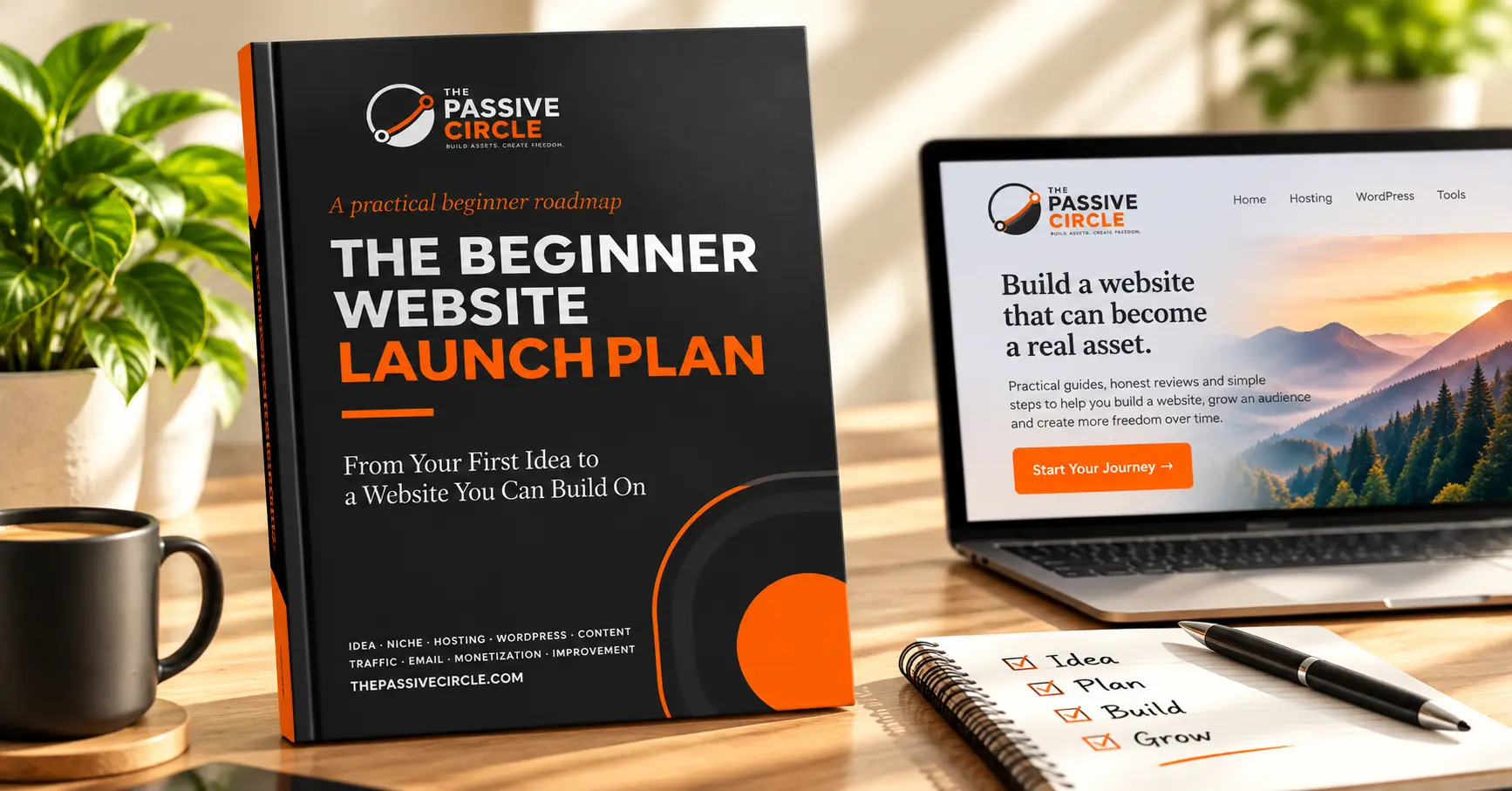
The Beginner Website Launch Plan is a practical roadmap for turning your first idea into a working website, one step at a time.
- Niche Scorecard
- 10-Post Content Planner
- Hosting & WordPress basics
- First 7-Day and 30-Day plans
- → How to Do Keyword Research for Free (Step-by-Step)
- → Search Intent for Beginners: Write Articles Google Actually Ranks
- → Internal Linking Guide: The Free SEO Boost You’re Missing
- → How to Use Ubersuggest for SEO (Beginner Tutorial)
- → Page Speed & SEO: Why a Slow Site Is Killing Your Rankings
- → How to Get Your First 100 Blog Visitors With Zero Budget
- → Google: How to grow your website traffic