A WordPress website backup is a separate copy of your site that you can use to recover it. Many owners only look for one after something breaks. This guide explains what a backup contains, how to plan it, and what to check before you restore.
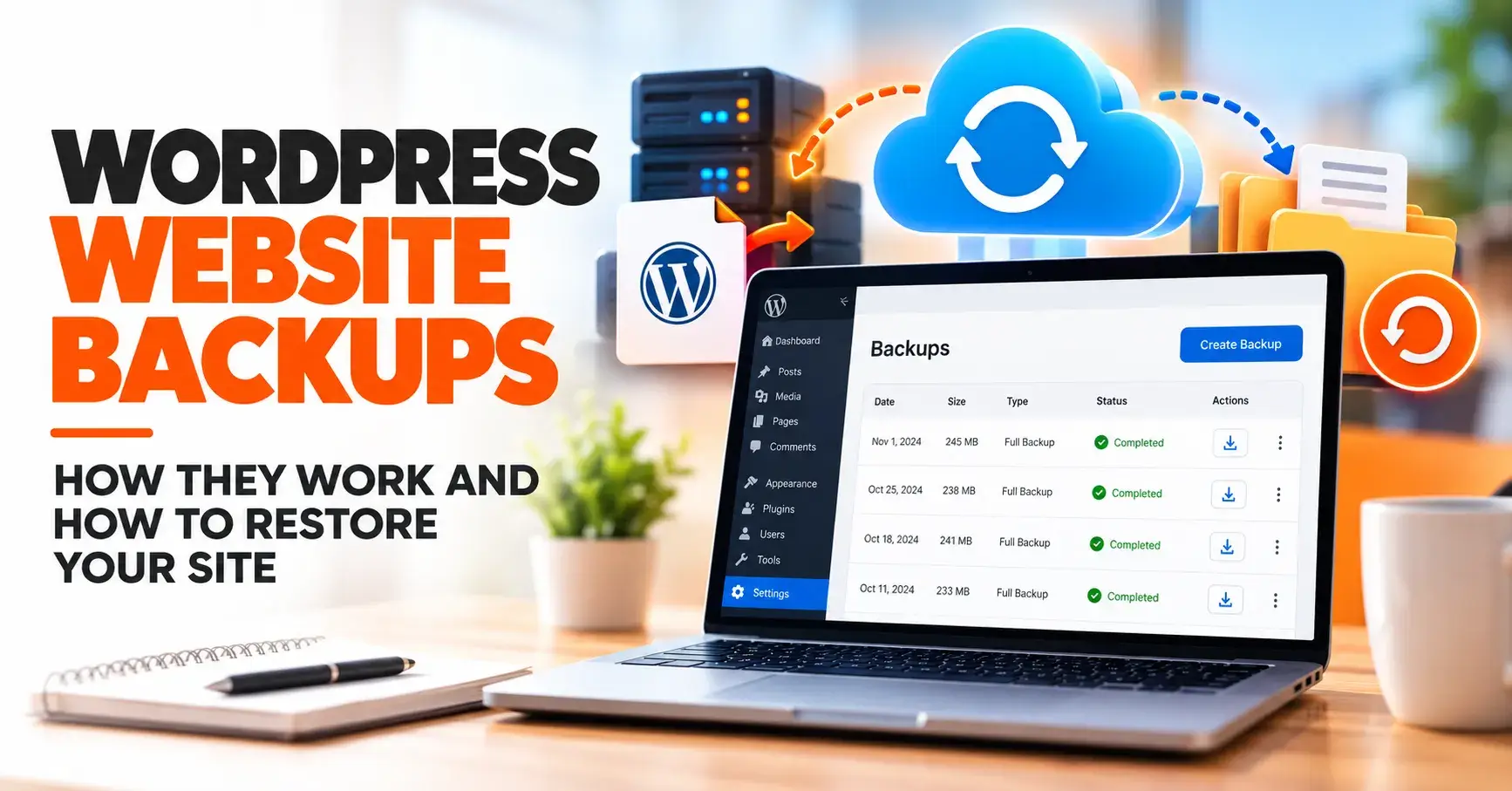
What Is a WordPress Website Backup?
A backup is a separate copy of website data. It can help you recover after accidental changes, technical problems, malware or other incidents.
A typical WordPress backup has two parts:
- Website files: WordPress core files, themes, plugins, uploaded images and other files.
- Database: posts, pages, settings, users, comments and other stored content.
A complete recovery may need both. Copying only the visible files is not always enough. WordPress’s own documentation treats files and database as one backup set, ideally made around the same time, as described in its backup guide.
How a backup fits together
- Website files + databaseThe two main parts
- Backup copyStored separately
- Restore when neededAfter a problem
A simplified view. What a backup includes depends on the tool or provider.
Automatic vs Manual WordPress Backups
Automatic backups are created on a schedule by your hosting provider or a backup tool. They are convenient because you do not have to remember them.
Manual backups are the ones you start yourself, for example before a major change.
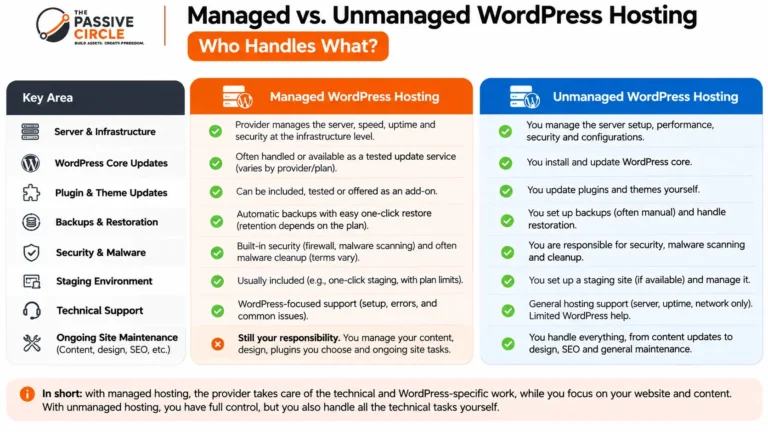
Not every hosting plan includes automatic backups. Frequency and how long copies are kept vary by provider and plan. Even with automatic backups, you should know where they are stored and how restoring works.
How Often Should You Back Up a WordPress Website?
There is no single correct schedule. The more often important data changes, the less data you should risk losing between backups.
- A mostly static website may need less frequent backups.
- A site that publishes regularly needs backups often enough to limit lost content.
- An online store, or any site that receives orders or form submissions, may need more frequent backups.
Where Should You Store Website Backups?
Your backups should be reachable even if your hosting account or server becomes unavailable.
Hosting backups are useful when your plan includes them. Still, a copy stored only in the same hosting account is a single point of failure. Keep another copy in a separate, secure place, such as trusted cloud storage.
A backup is also not the same as a live copy of your site. A live copy changes along with your site, so a mistake can appear in both places.
How Do You Restore a WordPress Website from a Backup?
The exact steps depend on your hosting provider or backup tool, so follow their documentation. In general:
- Choose a backup made before the problem started.
- Check what that backup includes, and whether it suits the recovery you need.
- Follow the documented restore process from your host or backup tool.
- Check the site afterwards, including key pages, images, login access and important features.
Be careful. A restore can replace newer files and database content with older versions. Posts or orders created after the backup may be lost.
What Should a WordPress Website Owner Remember?
- Know where your backups are.
- Understand what they contain.
- Keep a separate copy when practical.
- Know the documented restore process.
- Do not assume a backup works just because a dashboard lists it.
A listed backup does not prove that recovery will work. Where practical, testing a restore in a safe staging environment, which is a private test copy of your site, is a stronger check.
If you are not sure where your backups or restore options are, start with our hosting control panel guide.